Okeke Control
Your computer.
From the couch.
Your iPhone becomes the mouse, keyboard, and media remote for your Mac or PC.
3-DAY FREE TRIAL · NO ACCOUNT
Your iPhone becomes the mouse, keyboard, and media remote for your Mac or PC.
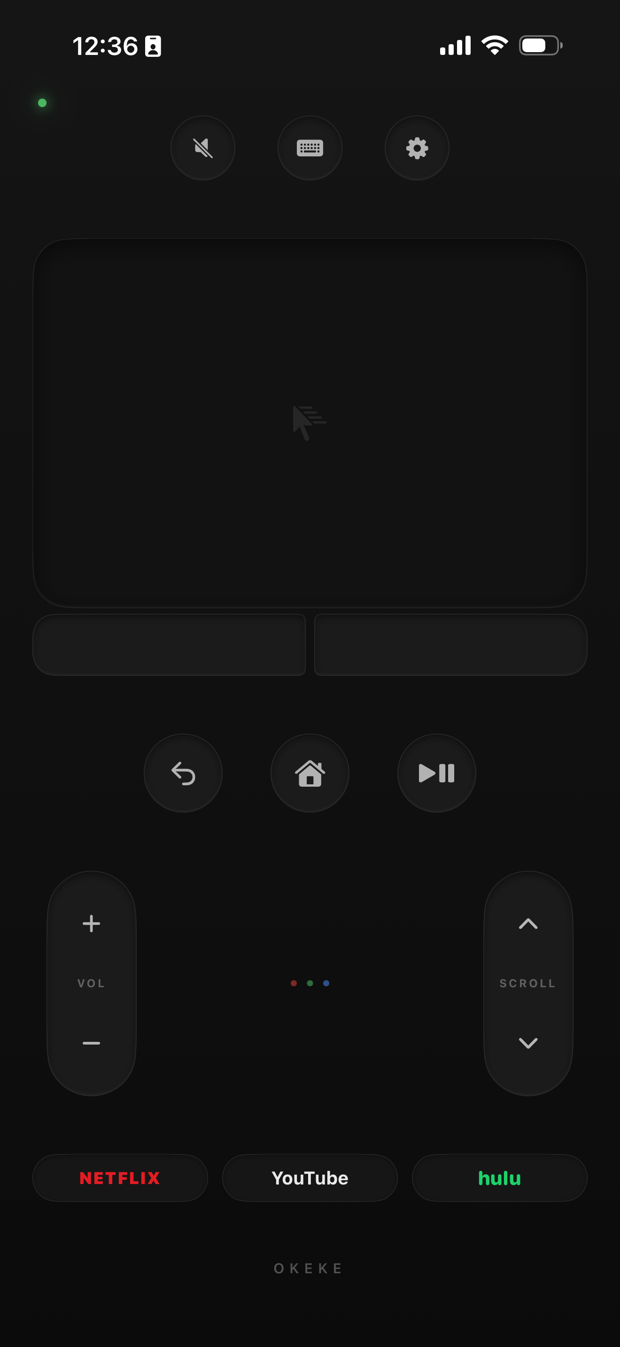
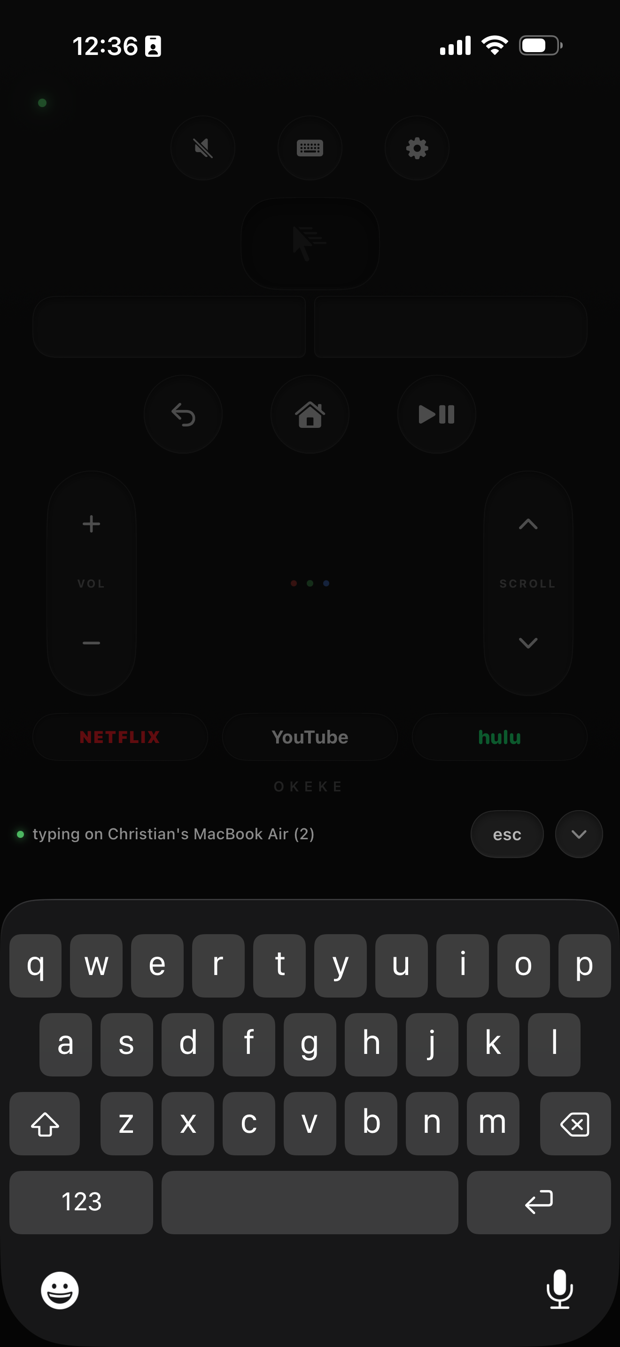
Built like the remote your computer never came with — nothing to learn, nothing in the way.
Drag to move, tap to click, two-finger right-click and scroll. Real acceleration with a speed dial from careful to flying.
Every keystroke lands on your computer as you press it — search boxes, URLs, passwords. No send button.
Netflix, YouTube, and Hulu launch straight from the remote. Volume, scroll, back, home, and play-pause sit under your thumb.
Two ways to drive the cursor. Pick at first launch, switch anytime in settings.
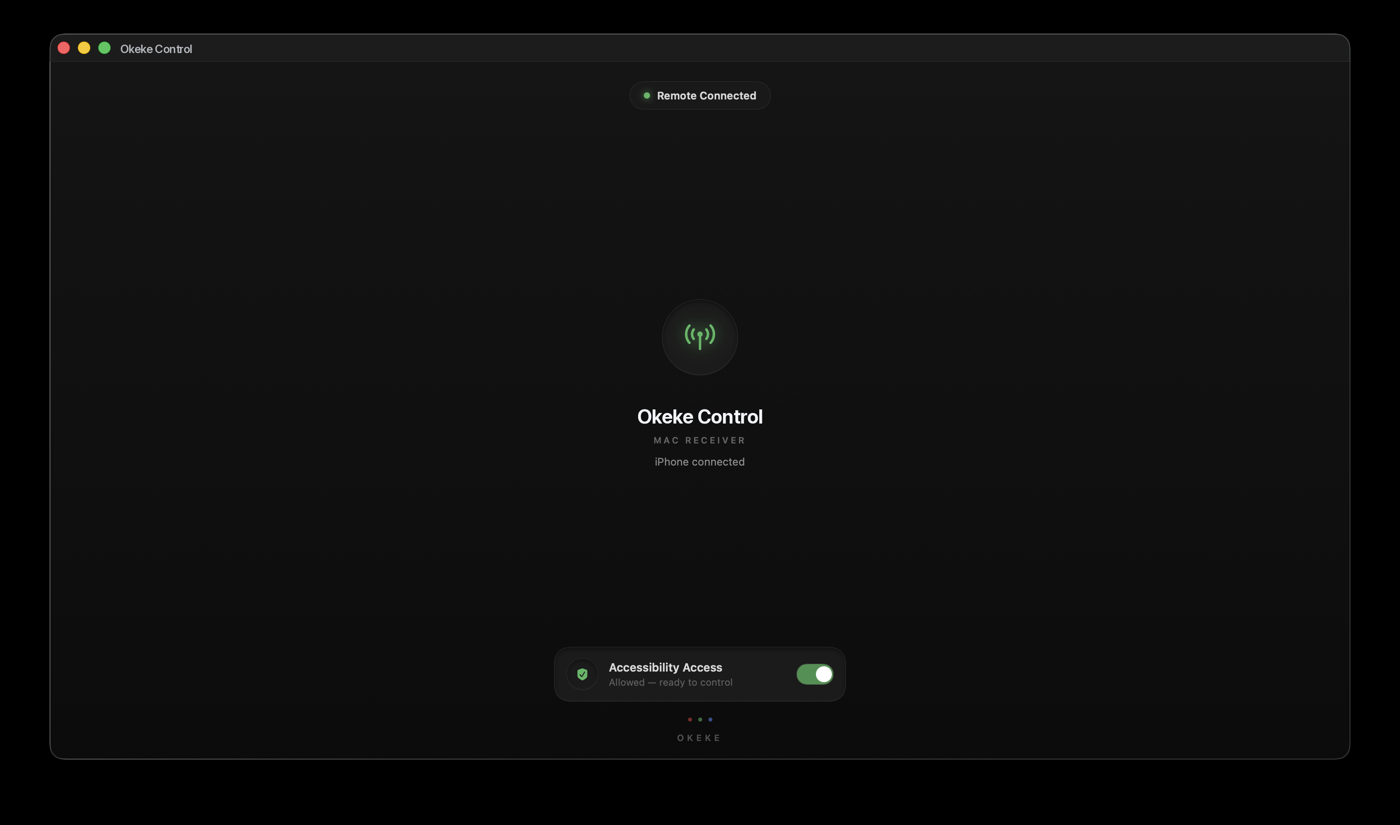
Sleep the computer, walk away, come back — the receiver quietly rebuilds the connection. No refresh button, ever.
One permission, no account, no analytics, no cloud. Nothing leaves your home network.
Download Okeke Control on your Mac or PC
Open it — it starts listening
Join the same Wi-Fi on your iPhone
Your computer appears. Tap to connect.
Every plan unlocks the whole app. Cancel anytime.